
If you use Microsoft 365 (formerly Office 365) you may have noticed recently that the cost of your subscription has increased in the UK. Rather than just accepting it, it's worth taking a closer look at what's changed — and more importantly, what your alternatives are.
What's changed
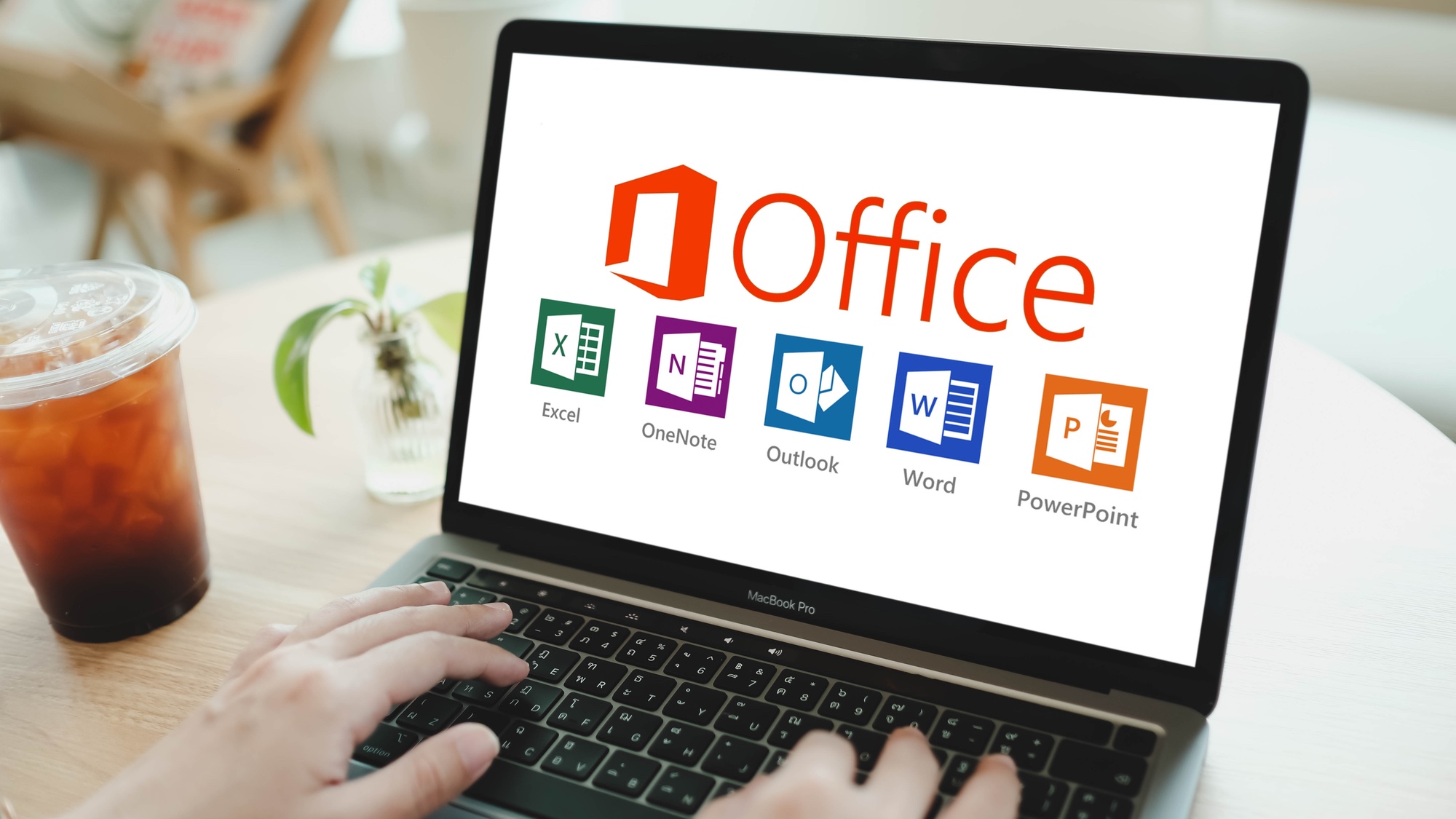
Microsoft has raised the prices of its Personal and Family Microsoft 365 plans. For example, the Personal plan in the UK increased from £59.99/year to £84.99/year (or from £5.99/month to £8.49/month). The Family plan (up to six users) rose in line with that change.
Microsoft says the increase reflects new AI-powered tools like Copilot and more online storage. They've also updated billing rules — some monthly users on annual plans will now pay a small premium unless they move to a full yearly payment.
Why it matters
If you're paying for Microsoft 365 and only use it for everyday tasks — letters, spreadsheets, or email — you may be spending more than you need to. This is a good moment to pause and ask: "Do I really need this version, or could a free alternative work just as well?"
Free or lower-cost alternatives
At SimplyFixIt, we believe being informed is as important as being repaired. Here are some excellent options to consider before renewing:
1. Free through your school or university
If you're a pupil, student, or staff member, you might already have access to Microsoft 365 at no extra cost. Many universities and schools — including those under the City of Edinburgh Council — offer Office through your school login. Check with your school or university IT department to confirm. It will all be under the student's account, but if you only need Word to read or write occasional letters then this is a great option,

2. For Mac users: Pages & Numbers

Macs come with Apple's own office suite — Pages, Numbers, and Keynote — which are completely free. If you just write letters or keep simple spreadsheets, these are ideal and very easy to use.
3. Use the online versions at Office.com

Did you know that office.com offers free web-based versions of Word, Excel, and PowerPoint? As long as you're online, you can open, edit, and save documents without paying for a subscription.
4. LibreOffice for Windows or Mac

LibreOffice is a powerful, open-source office suite that's completely free. It includes Writer (like Word), Calc (like Excel), and Impress (like PowerPoint). It's regularly updated and works on both Windows and macOS.
What to do next
- Log in to your Microsoft account and check your next renewal date and current price.
- Ask yourself if you use all the features you're paying for — or if a free option would suit your needs.
- If you're a student, confirm whether your school or university already provides Office access.